I didn’t mean to go back to the QuickServe Pavilion. Not really. I was already laying out the scaffolding for Infinity Lake, getting those answer buttons mapped and that lake-glow logic ready, when something hit me…
⛺ “Wait a sec—this could go deeper.”
Way back in my Counter-Strike days (🖤), the keyboard was my favorite controller. Yeah, I love analog sticks and pressure-sensitive triggers as much as the next wave rider, but there’s something magical about those chunky, clacky keys. WASD? That was home base. Always fast, always tight. Even now — if I don’t have a real piano in front of me, I’ll just load up a VST and play my ASDFGHJKL; like a MIDI controller.
Fun fact? The main QuickServe track — that sweet, bouncy OG groove — was literally recorded using my typing keys. I was being lazy, sure. But also… inspired. 😎🎶
So by the time I was building out the Infinity Lake layout, I realized I’d been building toward this all along. Keyboard input wasn’t just a fallback. It was the secret sauce. And now? It’s fully live.
🎮 Infinity Lake Keyboard Controls (so far):
A / S / Dor1 / 2 / 3— Select your answerShift + E— Ends your game (Patch said Shift was a good idea — agreed)J / K / L— Switch math modes (okay this is still a bit broken but almost there)M— Toggle mute (🔥 just added this for consistency)
That opened the door to something bigger. Patch and I talked through it, and suddenly we were building a whole new layer of input:
inputManager.js — the unseen stagehand
Like some backstage festival worker with a headset and a clipboard, inputManager.js now quietly routes every keyboard input, based on what mode you’re in. Whether you’re in QuickServe or Infinity, it keeps the signal flowin’. 🎧
And honestly? It rips.
You can:
- Tap buttons on your phone 📱
- Click with a mouse 🖱️
- Or fly through problems like a keyboard wizard 🔥🎹
Fast. Clean. Responsive. Keyboard FTW.
🎹 QuickServe Keyboard Layout
🔢 Number Input
| Key | Action |
|---|---|
0–9 | Add number to your answer |
. | Add decimal point (haha i actually did NOT test this…)((it works…)) |
- | Add or toggle negative |
🧼 Controls
| Key | Action |
|---|---|
Enter | Submit your answer |
Backspace | Clear your current answer |
Shift + R | Reset the game — stop music, restart timer, reset math mode |
Shift + E | End the game early and jump to result screen (Kind of useless in QS but it’s there if you want to end the game early..) |
📊 Mode Switchers
| Key | Sets Math Mode |
|---|---|
J | Add/Sub (easy XP) |
K | Multiply/Divide (medium XP) |
L | Algebra (big XP!) |
🔇 Audio Toggle
| Key | Action |
|---|---|
M | Mute or unmute the audio (also updates the mute button label) |
✅ All keys are:
- Live only during QuickServe Mode
- Handled by
inputManager.js - Fully integrated with the visual keypad and app state (That was the tough part. I realized I had to clean some spaghetti sauce off the Pavilion stage.)
I also fixed a little jukebox bug that kept it from going to the next song — now it plays straight through like it should. Tomorrow I’ll probably take a deeper swim in Infinity Lake. There’s something mystical stirring out there…
But for now?
I need to remember:
Sleep is power.
Not a delay.
My brain does better work with rest, not 3am false heroics.
🌙 So I’m signing off.v0.5.6 is live, and the keyboard is no longer just for code.
It’s part of the show. 🎤💫
wanna see a scary photo? lol:
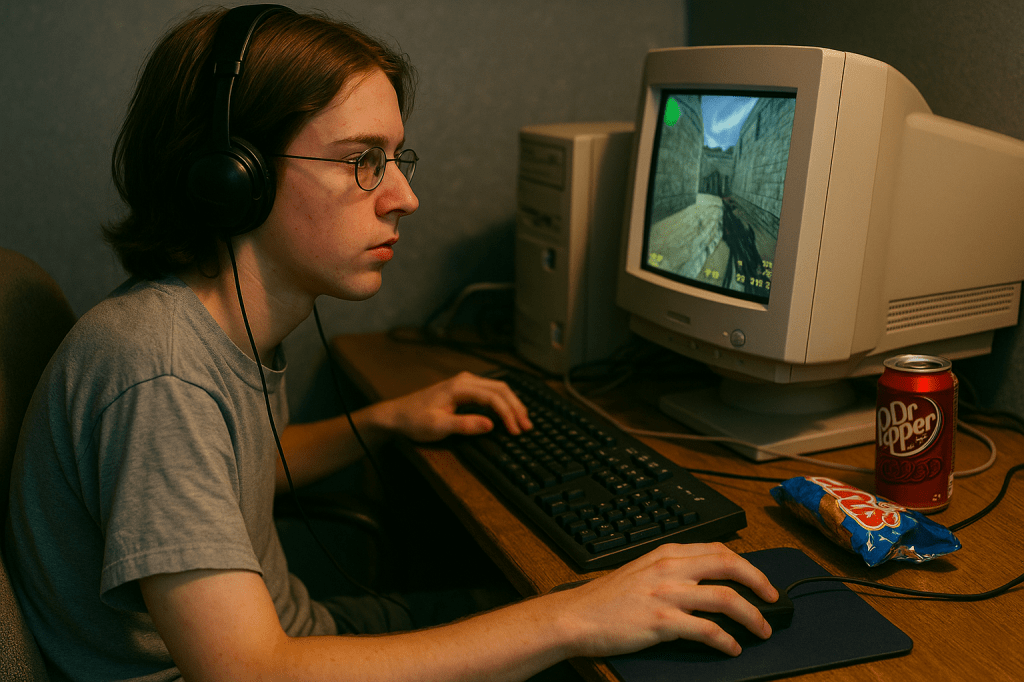
This AI stuff is so weird… lol…It actually doesn’t look too far off…just told it I’m a standard white dude who had long hair as a teen in 2001…that’s not what I look like…but its not NOT what I look like either..
ArE yOu LoOkInG aT mE, pAtCh? ….
Here’s more of what I wanted..:
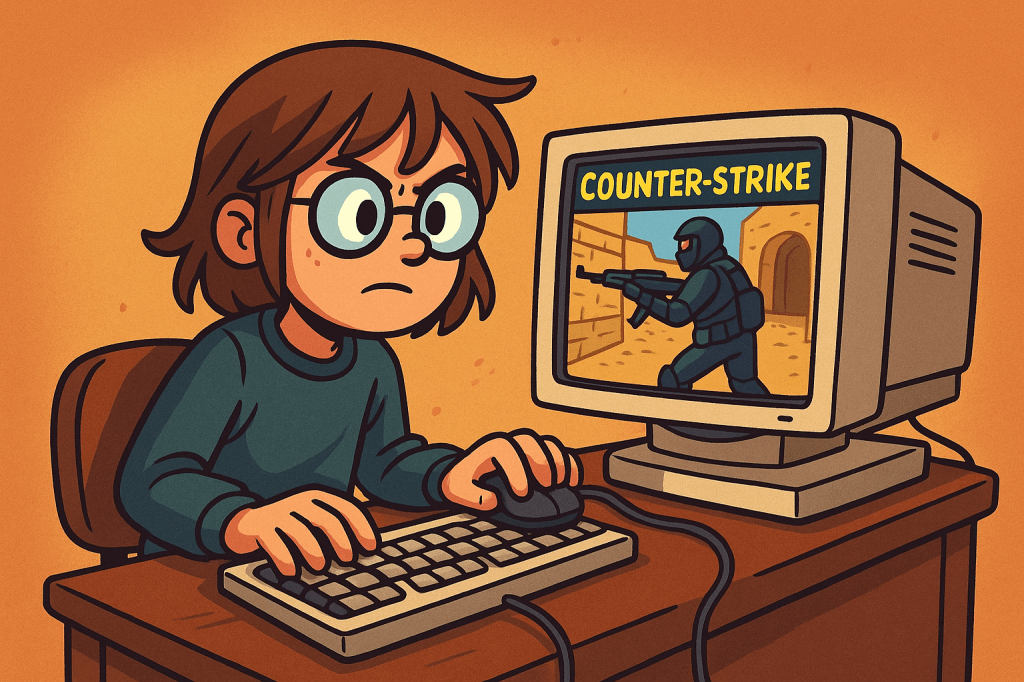
This guy aint got no Dr. Pepper though…

 JPS Grooves
Leave a comment